
Professional Headshots
Create polished headshots for founders, consultants, recruiters, and client-facing teams without booking a studio.
LinkedIn profile photosWebsite about-page portraitsSpeaker bios and podcast headshots
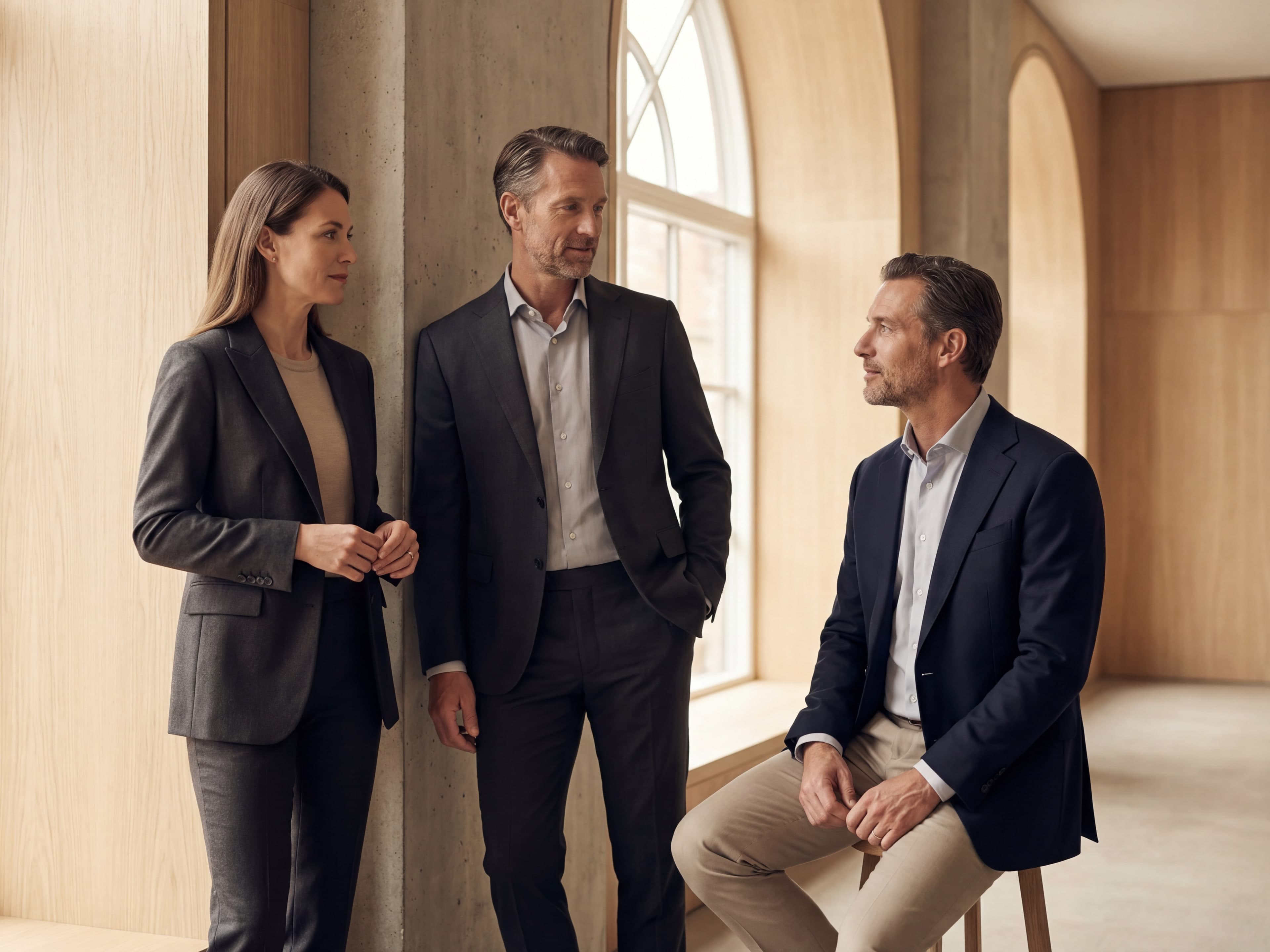
Generate executive headshots, team portrait systems, marketing creative, and brand concept boards with a tighter workflow for art direction, review, and reuse.
4
image systems
Headshots, team portrait systems, marketing creatives, and brand concept boards.
1
workspace
Generate, review, and move directly into the rest of your Kona work.
Fast
turnaround
Move from rough direction to usable business imagery without a long production loop.
Founder + executive profiles
Professional portraits for LinkedIn, bio pages, speaker kits, proposals, and leadership profiles.
Consistent team identity

A unified team look for leadership pages, recruiting assets, internal directories, and sales rosters.
Ads, socials, promo visuals
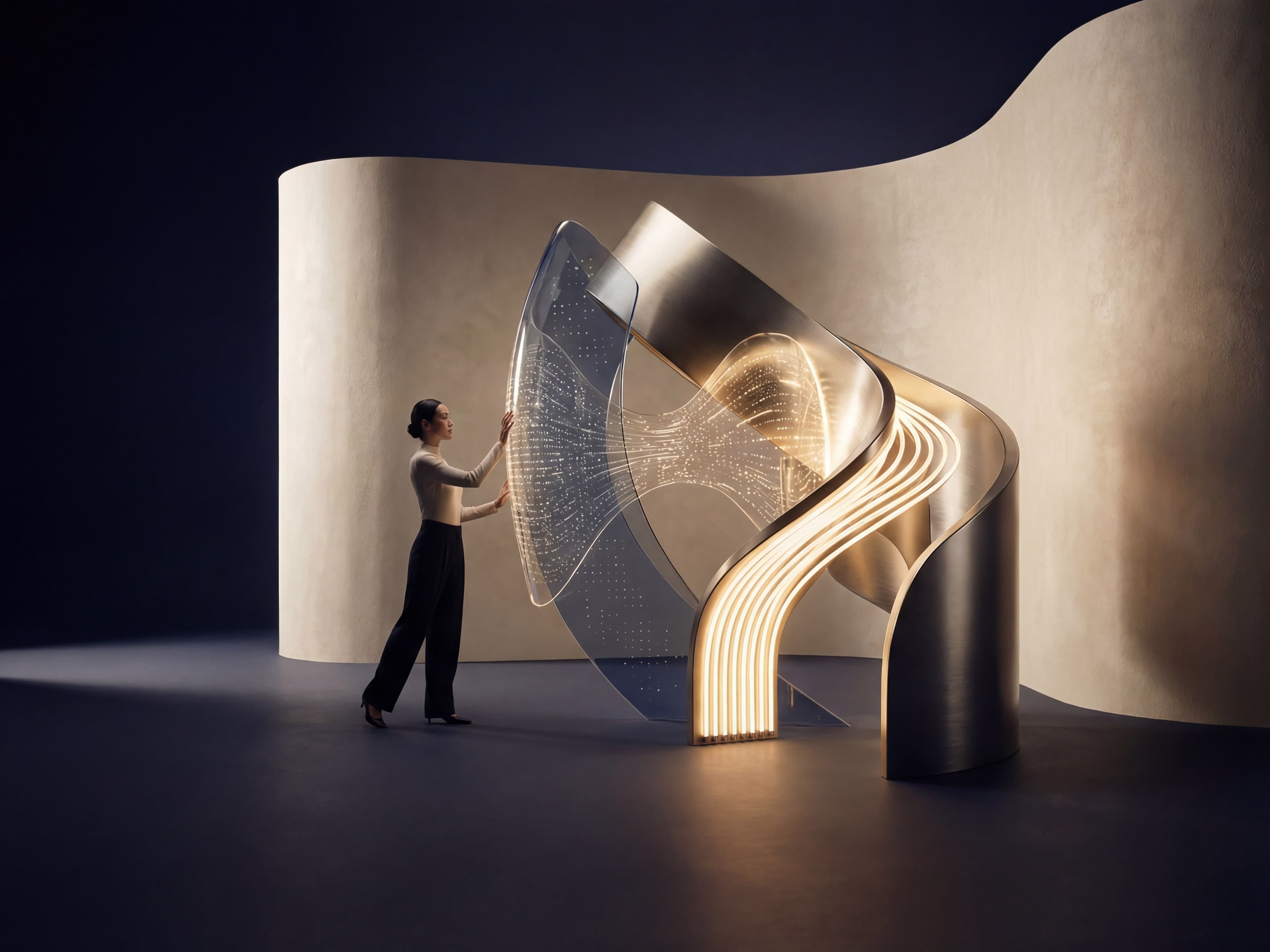
Marketing visuals for paid social, launch pages, outbound campaigns, and product storytelling.
Brand direction and concepting
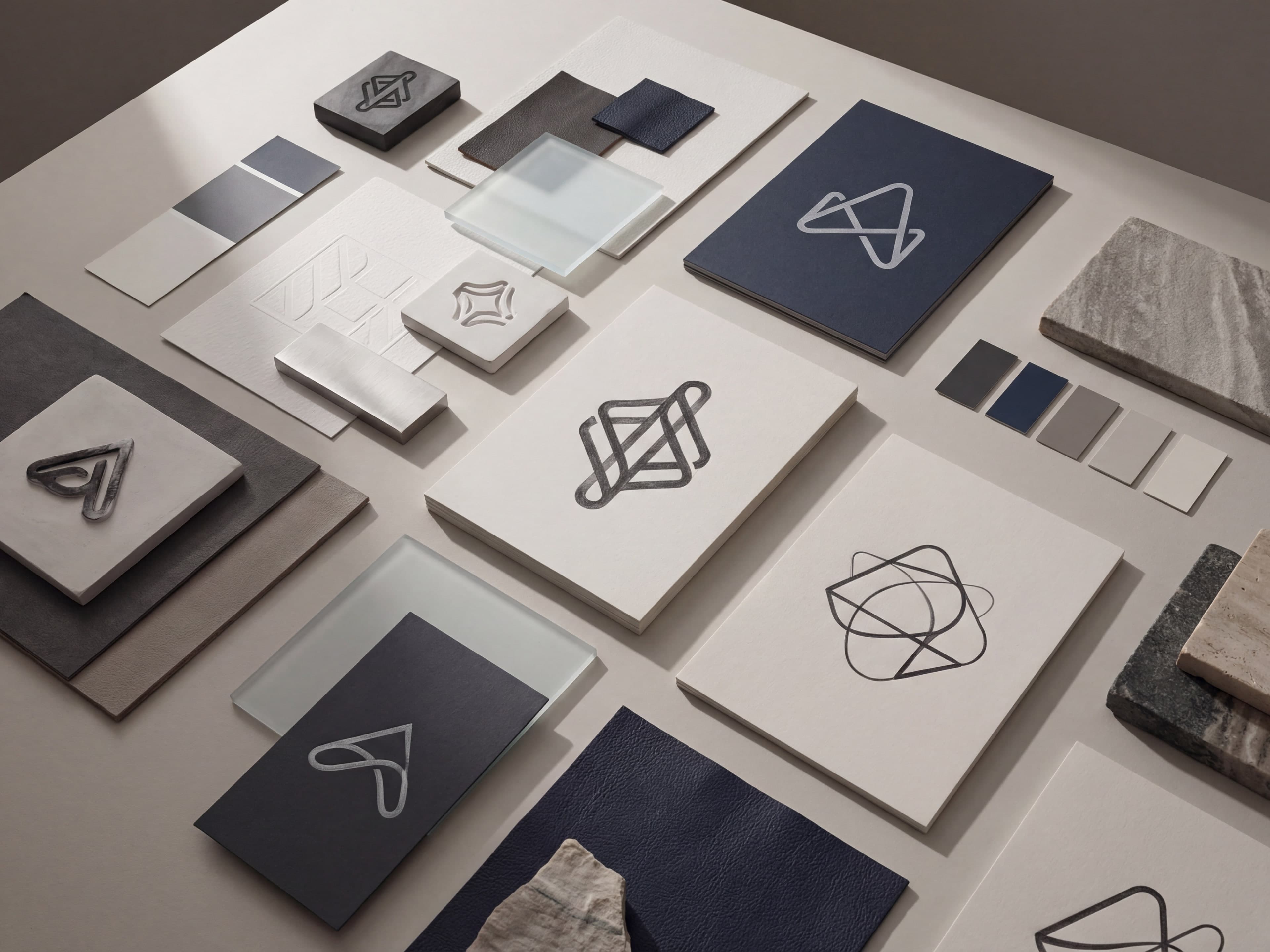
Brand concept boards for identity reviews, early-stage launches, and visual direction exploration.
Selected workflows
Each workflow is tuned for a distinct business outcome, with examples that make the quality bar visible immediately.
Create polished headshots for founders, consultants, recruiters, and client-facing teams without booking a studio.
Create a consistent visual identity for leadership teams, sales orgs, advisory boards, and customer-facing staff.
Generate campaign-ready visuals for paid social, launch announcements, product storytelling, and outbound promotions.
Explore logo directions, palette ideas, symbols, and moodboards for early identity work and team reviews.
Why Kona
The point is not just faster image generation. It is cleaner art direction, tighter iteration, and less handoff friction once the visuals are ready.
System benefits
Every workflow is framed around polished commercial use instead of novelty image generation.
You can judge the standard from the examples first, before committing to a direction.
Images, planning, writing, and execution stay in one place instead of getting fragmented across tools.
Workflow
Start with the outcome that matters now: portraits, team consistency, campaign creative, or early brand direction.
Define tone, composition, palette, crop, and background so the output feels intentional instead of generic.
Carry the strongest images straight into pages, campaigns, recruiting materials, and the rest of your Kona workflow.
Questions
A quick read before you start generating.
Use Kona for executive headshots, team portrait systems, marketing visuals, and early-stage brand concept boards without switching between separate tools.
The emphasis is on polished commercial output for websites, LinkedIn, campaigns, recruiting pages, launch materials, and internal brand reviews.
Yes. The workflows are meant to help you test several approaches, keep the strongest options, and refine the direction until it feels consistent.
No. A clear business context, a visual goal, and a few art-direction cues are usually enough to get into a strong working range.