
Give your team a clean, consistent photo system without coordinating a full company shoot
Create matching portraits for leadership pages, recruiting materials, sales rosters, advisor sections, and internal directories. Kona helps you keep the same lighting, crop, background family, and overall tone across every role.

Sample direction
A unified team look for leadership pages, recruiting assets, internal directories, and sales rosters.
What you can create
Output ideas for this workflow
Prompt starters
Use these directions to get closer to the look you want
Prompt angle
Unified team portrait system with soft daylight, warm-neutral palette, medium-tight crop, business casual styling, premium startup website feel
Prompt angle
Leadership roster portraits with consistent eye line, cool-gray backdrop, subtle rim light, polished company directory styling
Prompt angle
Hiring-page team photos with approachable expressions, balanced skin tones, cohesive visual treatment across all roles
How it works
Go from image idea to finished asset without leaving your workflow
Define the team look: background family, wardrobe range, crop ratio, lighting direction, and expression style.
Generate portraits for executives, recruiters, sales leaders, and customer-facing staff with consistent art direction.
Use the resulting set across your website, recruiting pages, sales collateral, and decks without rebuilding the system each time.
Questions about team headshots
Answers to common questions before you start generating
Can I create matching headshots for the whole team?
Yes. This workflow is built for consistency, so you can keep the same visual rules across executives, managers, recruiters, advisors, and broader team pages.
What kinds of teams use this most?
Startup teams, agencies, recruiting teams, professional services firms, and portfolio-support groups use it when they need a clean team presentation across websites, hiring assets, and sales materials.
Will it work for both leadership pages and broader staff directories?
Yes. You can use the same visual system for a small leadership group, a hiring page roster, an advisor gallery, or a much larger internal directory.
More image workflows
Explore more ways to create business-ready visuals
Founder + executive profiles
Professional Headshots
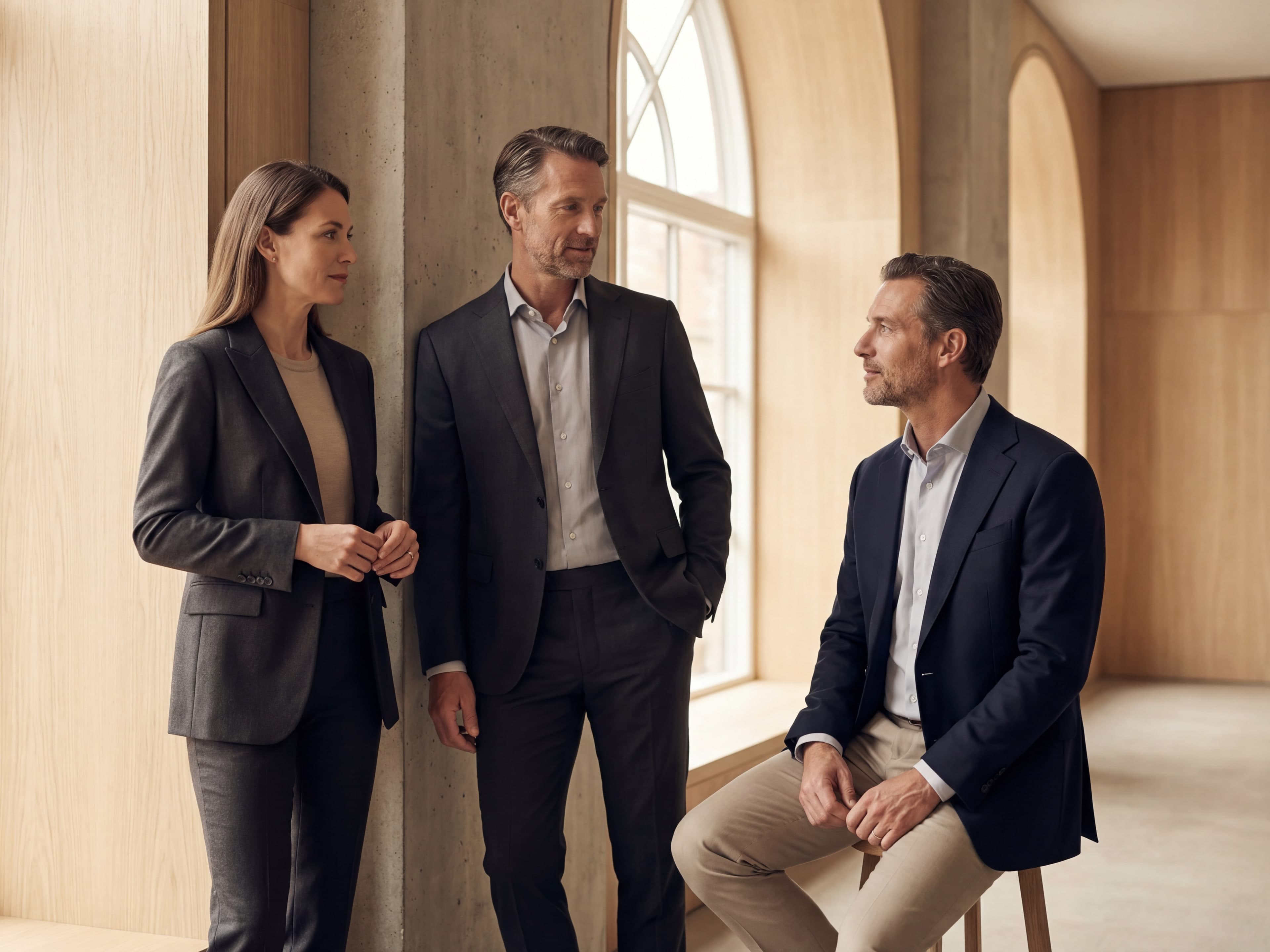
Professional portraits for LinkedIn, bio pages, speaker kits, proposals, and leadership profiles.
Ads, socials, promo visuals
Marketing Creatives

Marketing visuals for paid social, launch pages, outbound campaigns, and product storytelling.
Brand direction and concepting
Logo Concepts
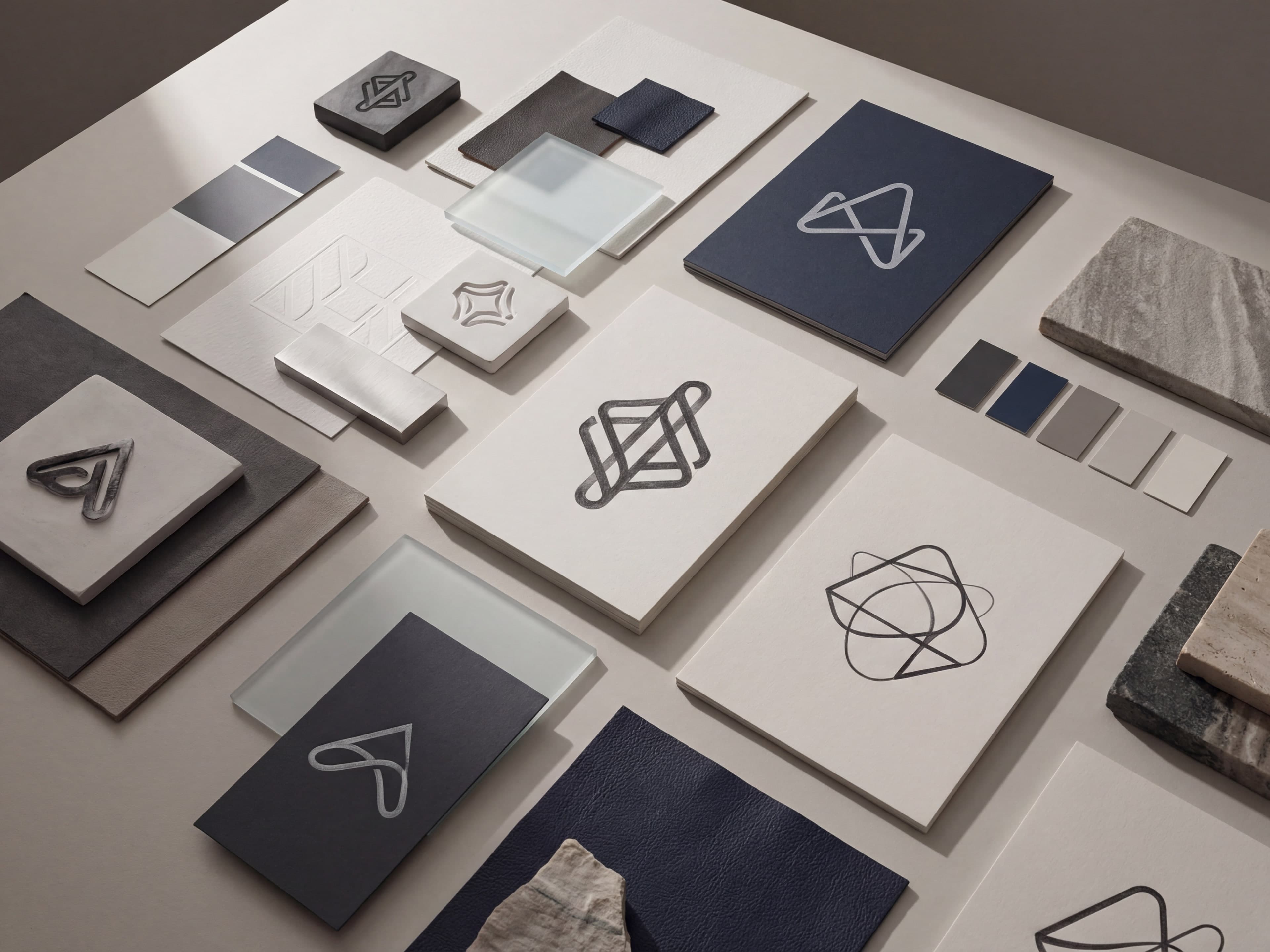
Brand concept boards for identity reviews, early-stage launches, and visual direction exploration.