
Turn product launches and campaign ideas into marketing visuals that look polished enough to publish
Create ad concepts, promo art, launch visuals, and social assets with a more commercial look from the start. Kona helps you work toward images that feel ready for landing pages, campaigns, outbound emails, and paid placements.

Sample direction
Marketing visuals for paid social, launch pages, outbound campaigns, and product storytelling.
What you can create
Output ideas for this workflow
Prompt starters
Use these directions to get closer to the look you want
Prompt angle
Paid social creative for B2B SaaS launch with bold product framing, high-contrast headline space, energetic motion cues, polished commercial ad style
Prompt angle
Founder-led launch visual with premium editorial treatment, warm accent lighting, conversion-focused composition, clean CTA-ready negative space
Prompt angle
Campaign creative system for webinar signup with modern 3D shapes, dark-on-light contrast, product-led hero scene, business brand polish
How it works
Go from image idea to finished asset without leaving your workflow
Choose the campaign moment: launch, webinar, product update, outbound promo, retargeting, or evergreen demand gen.
Set the objective, aspect ratios, and visual hierarchy so the images match paid and organic placements.
Generate assets alongside the messaging, positioning, and execution plan already living in Kona.
Questions about marketing creatives
Answers to common questions before you start generating
What kinds of campaign visuals can I generate?
You can create launch visuals, social ads, webinar promotions, product update art, email hero images, and branded visuals for paid or organic campaigns.
How do I keep the creative looking polished and on-brand?
Set a clear brand direction up front: palette, contrast, composition, and image tone. That makes it easier to create a campaign family that feels intentional instead of random.
Can I reuse these visuals in more than one channel?
Yes. The same concepts can be adapted for landing pages, social posts, ad sets, deck covers, email campaigns, and launch announcements.
More image workflows
Explore more ways to create business-ready visuals
Investor-ready visuals
Pitch Deck Images
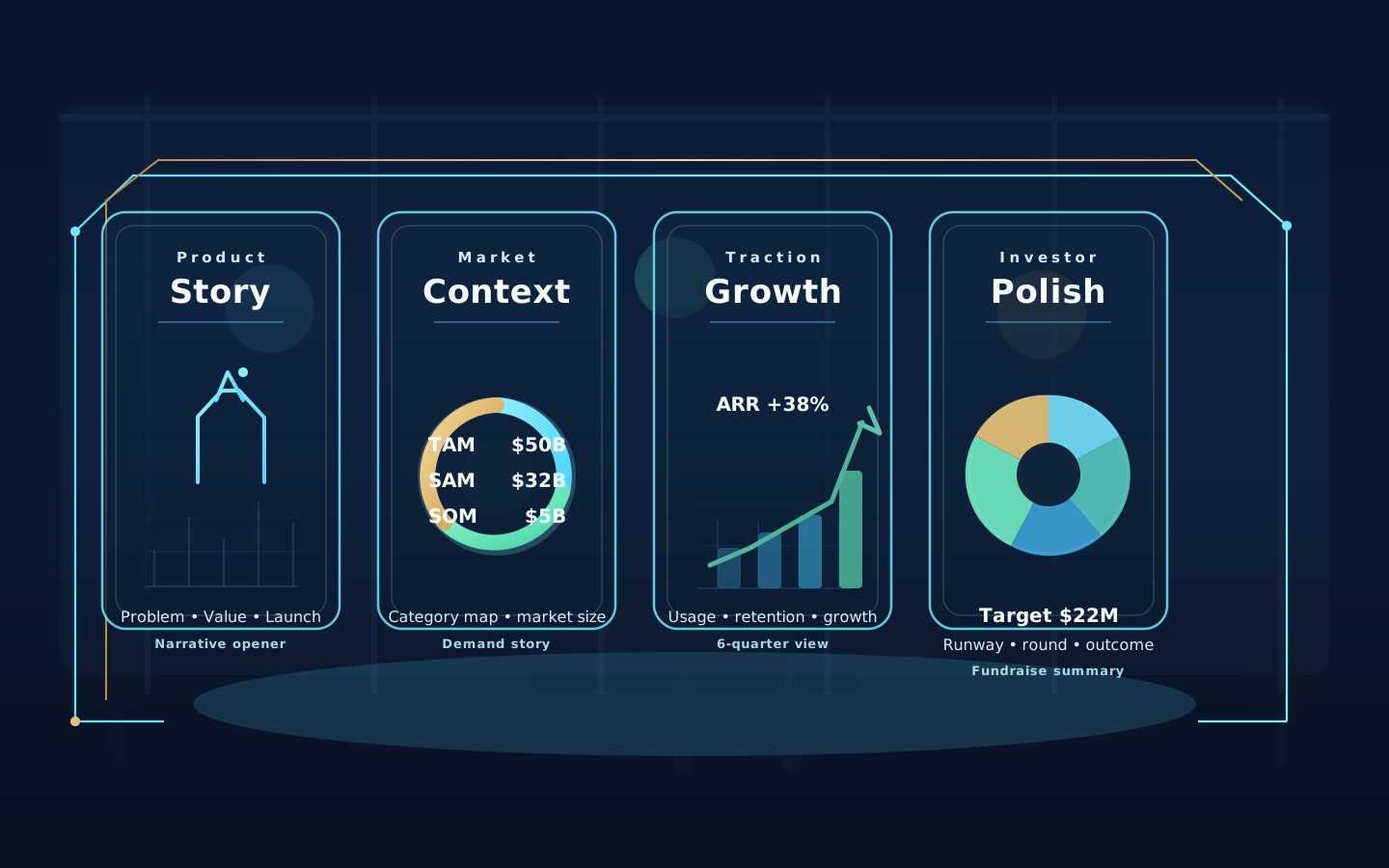
Investor-ready deck visuals that frame product storytelling, market context, traction, and fundraising polish.
Brand direction and concepting
Logo Concepts
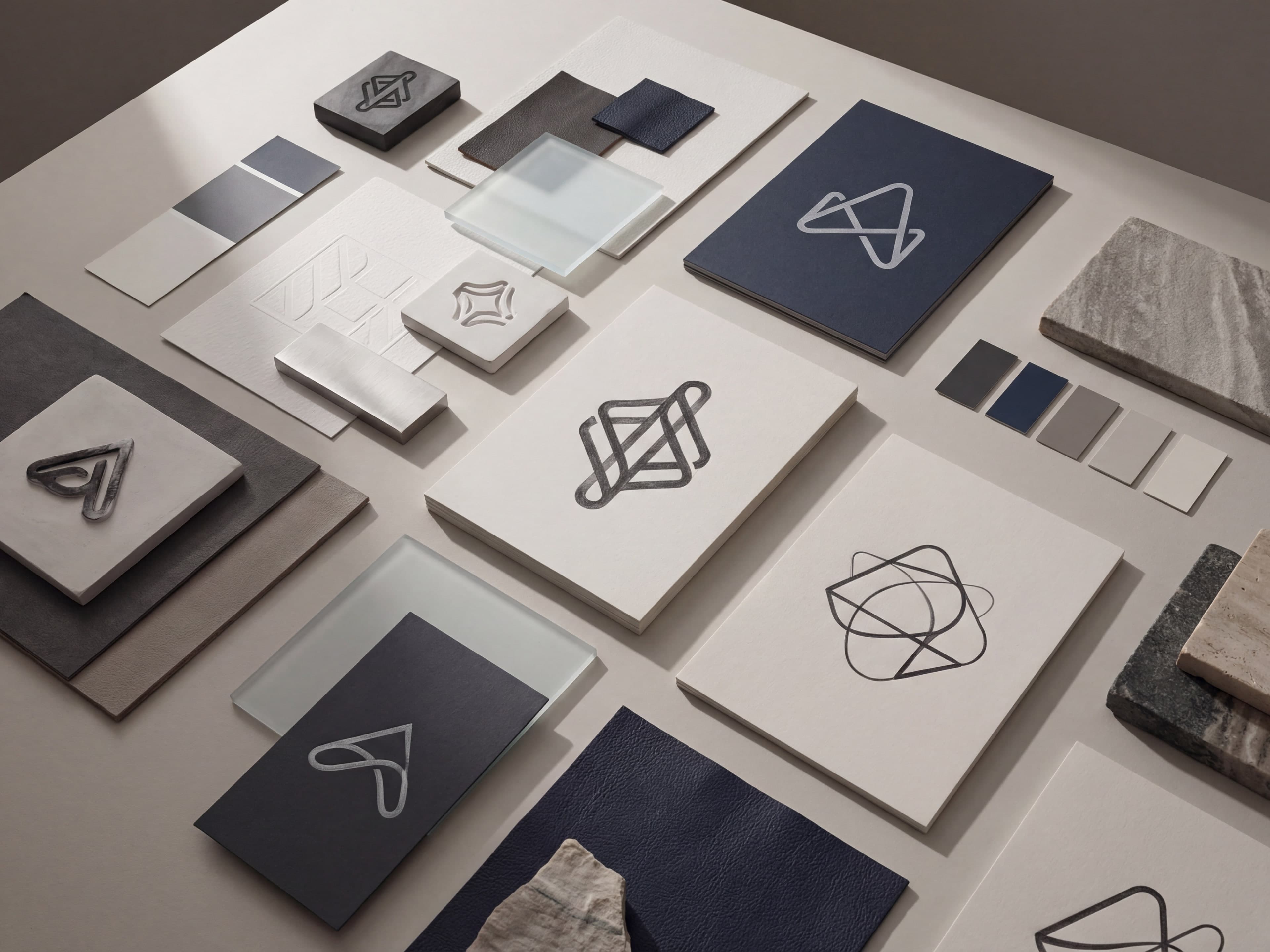
Brand concept boards for identity reviews, early-stage launches, and visual direction exploration.
Founder + executive profiles
Professional Headshots

Professional portraits for LinkedIn, bio pages, speaker kits, proposals, and leadership profiles.