
Build pitch and investor visuals that support the story instead of looking dropped in at the last minute
Create polished imagery for fundraising decks, board updates, strategy presentations, and narrative slides. Kona helps you generate visuals with enough whitespace, focus, and structure to actually fit the flow of a presentation.
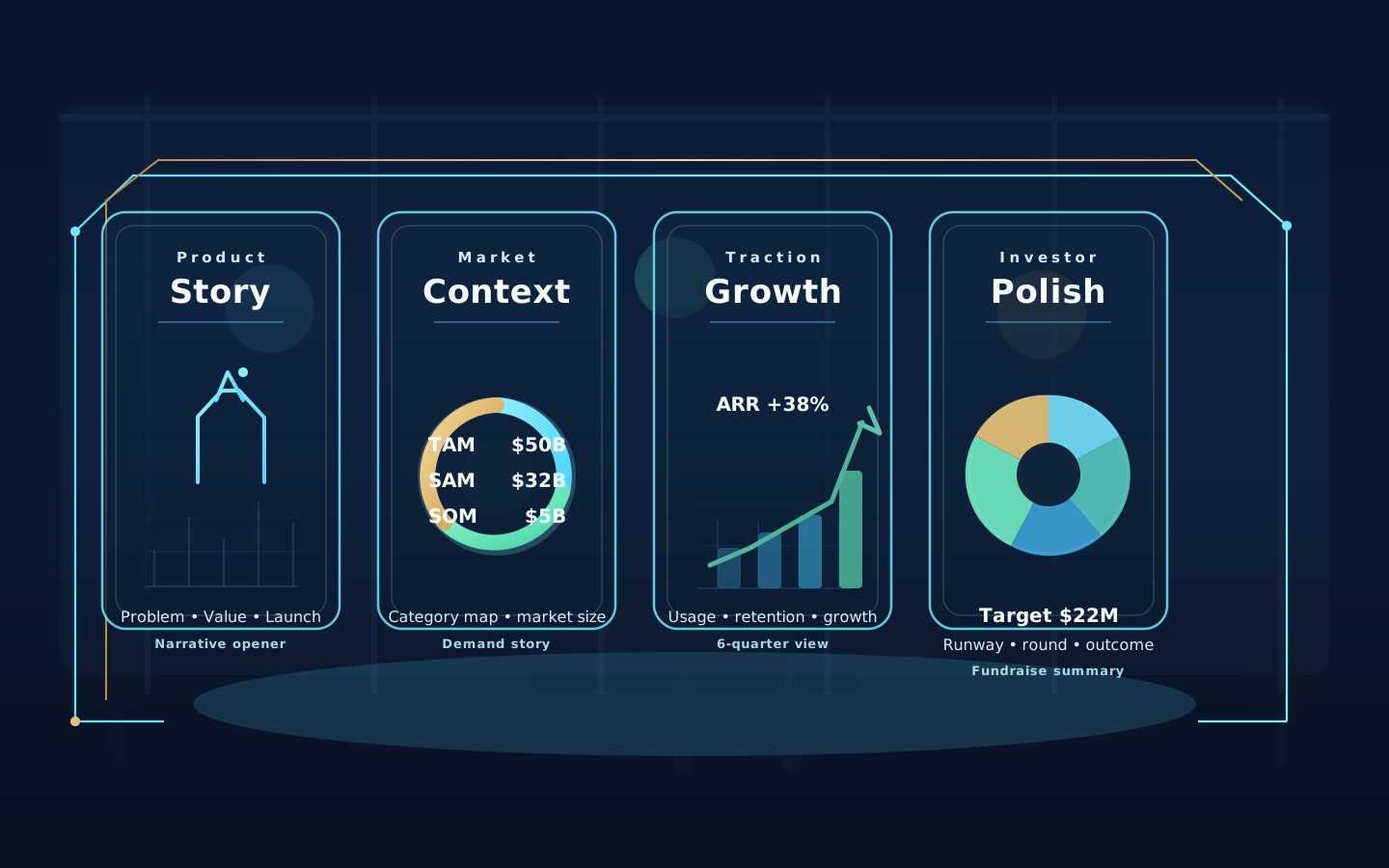
Sample direction
Investor-ready deck visuals that frame product storytelling, market context, traction, and fundraising polish.
What you can create
Output ideas for this workflow
Prompt starters
Use these directions to get closer to the look you want
Prompt angle
Investor deck hero visual for modern operations software, premium presentation aesthetic, elevated depth, restrained business palette, strong storytelling composition
Prompt angle
Fundraising slide image showing team velocity and product momentum, editorial business illustration feel, clean whitespace for headline overlays
Prompt angle
Board update visual with sophisticated finance-tech mood, layered glass surfaces, muted gradients, premium presentation quality
How it works
Go from image idea to finished asset without leaving your workflow
Identify the narrative role for each image: category framing, customer problem, product moment, traction, or vision.
Generate visuals that preserve whitespace, hierarchy, and headline room so they fit naturally into a slide.
Bring them directly into Kona planning and pitch workflows so visuals and messaging stay aligned.
Questions about pitch deck images
Answers to common questions before you start generating
What kinds of investor visuals can I create?
You can create category visuals, section dividers, narrative cover art, product-story slides, customer context images, and supporting graphics for fundraising or board decks.
How do I make sure the visuals actually fit a slide?
Aim for clean compositions, clear focal points, and enough whitespace for titles or key statements. That helps the image support the narrative instead of fighting it.
Do these visuals only work for fundraising decks?
No. The same style works for board meetings, all-hands presentations, partner decks, product strategy reviews, and executive updates.
More image workflows
Explore more ways to create business-ready visuals
Ads, socials, promo visuals
Marketing Creatives

Marketing visuals for paid social, launch pages, outbound campaigns, and product storytelling.
Founder + executive profiles
Professional Headshots

Professional portraits for LinkedIn, bio pages, speaker kits, proposals, and leadership profiles.
Brand direction and concepting
Logo Concepts
Brand concept boards for identity reviews, early-stage launches, and visual direction exploration.